
JSON is everywhere on the web, but let’s be honest: raw JSON isn’t exactly friendly. Long files, weird spacing, and deeply nested data can get confusing really fast. That’s why this free advanced JSON viewer online exists.
It gives you a simple way to read, format, validate, and edit JSON data in a clean, human readable way. Whether you’re a developer checking an API response or someone opening a JSON file for the first time, this free interactive JSON viewer helps you see the structure clearly. It move through the data without getting lost, and get things done faster. No downloads. No setup. Just open and go.
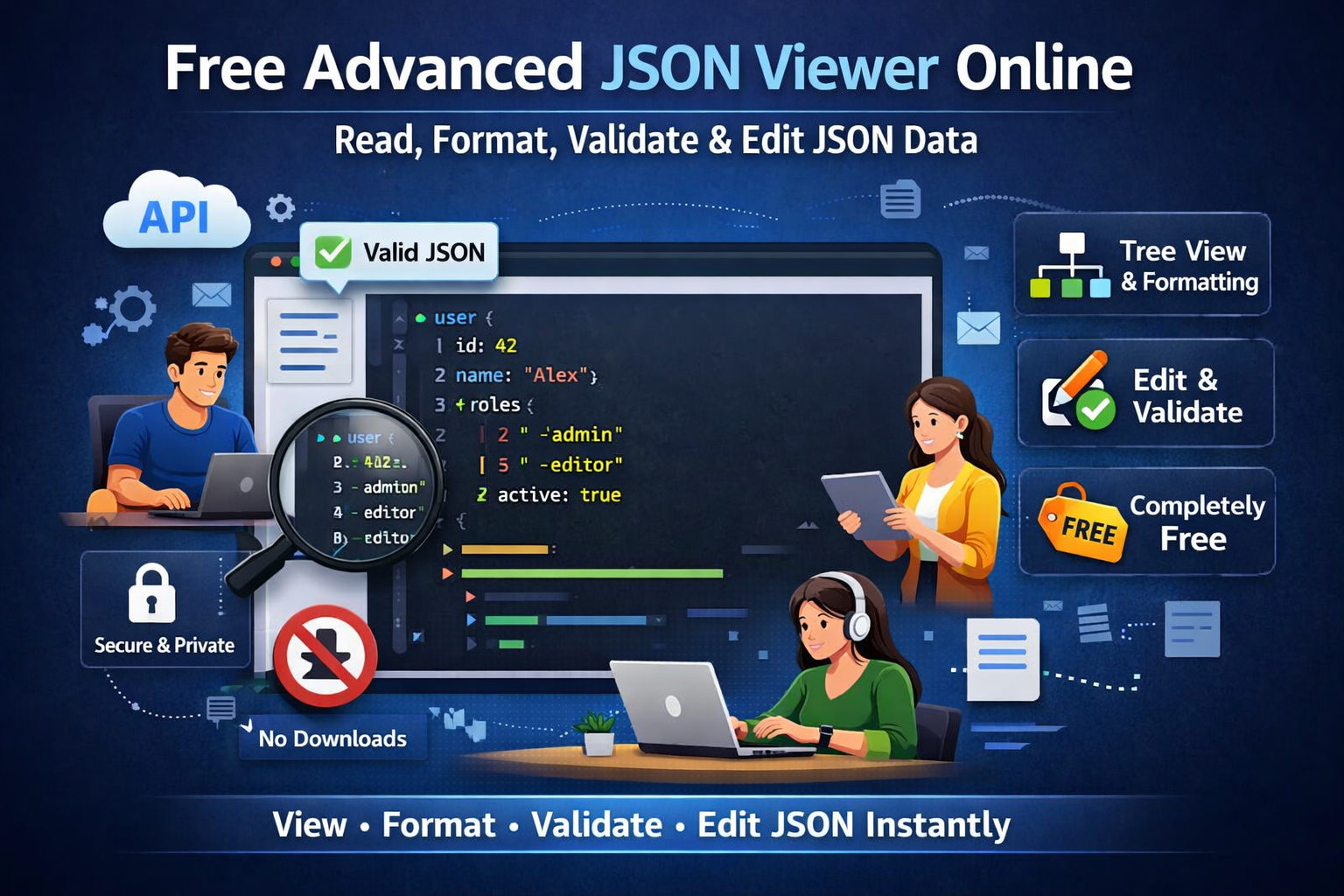
Why JSON Data Needs Better Tools in 2026 and Beyond?
JSON has quietly become the backbone of the modern web.
APIs, cloud apps, browser storage, configuration files, analytics exports, and mobile apps all use JSON in the background. Even if you don’t see it, JSON is working behind almost everything on the web. Developers work with it daily, but it’s no longer just a “developer thing.” Product managers, QA teams, marketers, analysts, and business users all run into JSON documents now.
And that’s where the trouble starts.
A single JSON response can stretch into thousands of lines. Objects inside objects, arrays inside arrays, long strings that never seem to end. Everything might be valid but still painful to read. This is exactly why an online JSON viewer with tree support matters so much.
A clean JSON tree view turns raw text into something you can actually work with:
- Easy to read
- Human readable
- Structured
- Simple to navigate
- Safe to edit
- Secure
- Completely free
In this guide, we’ll walk through how modern JSON viewer and editor online tools, JSON tree explorer online utilities, and JSON visualizers with tree view features work. It helps you view JSON files, format JSON, validate structure, parse data, and explore content without frustration.
Understanding JSON Data: A Practical Perspective
JSON, short for JavaScript Object Notation, is a lightweight data format built to be easy for machines to parse and, at least in theory, easy for humans to read.
Small examples usually look fine. But real-world JSON rarely stays small. Once APIs, apps, automation, and integrations get involved, things grow fast—and that’s where readable tools start to matter.
Here’s a simple example:
{ "user": { "id": 42, "name": "Alex", "roles": ["admin", "editor"], "active": true } }Not bad on its own. Now imagine that nested ten levels deep with hundreds of fields. That’s when you really want help.
Common Challenges When Working With JSON Data
JSON becomes hard to deal with when you’re working with large API responses, deeply nested objects, long strings and arrays, missing indentation, or unformatted text. Sometimes there’s also a tiny syntax error hiding deep inside the file, just waiting to break things.
These problems don’t just affect developers. Everyone runs into them. That’s why people look for online JSON, JSON formatter, JSON parser, online JSON explorer for developers, and free JSON tree viewer tool options to turn confusing data into something readable and manageable.
What Is an Online JSON Viewer?
An online JSON viewer is a browser-based JSON tool that lets you open and explore JSON data in a structured, human-readable format. Instead of dumping raw text on your screen, it organizes everything into an interactive tree with proper indentation.
With a good JSON tree explorer online, you can:
- View JSON data in a readable format
- Display JSON in a clear tree structure
- Expand and collapse nodes
- Format and beautify JSON
- Validate JSON syntax
- Edit JSON content online
- Preview changes instantly
Unlike a basic text editor, an expandable JSON tree viewer understands how JSON is structured and shows it visually. That alone makes a huge difference.
JSON Viewer vs. Text Editor
A regular text editor treats JSON like plain text. That’s fine for tiny files, but once things get bigger, it’s easy to lose your place or miss errors.
A JSON visualizer with a tree view, on the other hand, knows what the data means. You can expand sections, collapse what you don’t need, validate syntax, and edit values safely. It’s simply a more reliable way to work with JSON than editing raw text and hoping for the best.
Why JSON Tools Are Essential for Developers and Beyond?
For Developers
Developers deal with JSON constantly in API responses, request payloads, configuration files, and microservices communication. A solid JSON viewer and editor online helps you inspect responses quickly, debug API issues, convert raw data into readable format, and validate JSON before sending it to servers. Less guesswork. Fewer errors. More time saved.
For Non-Developers
JSON isn’t just for coding anymore. Marketing tools export JSON, analytics tools send back JSON data, and many apps use JSON to automate tasks. You’ll also see JSON examples in a lot of documentation. When this data is shown in a clear and readable way, anyone can understand it, not just developers.
Key Features of a Free Advanced JSON Tool Online
Some key features are:
1. JSON Tree View (Expandable and Collapsible)
The expandable JSON tree viewer is the heart of any modern JSON tool. It lets you visualize nested objects, expand and collapse branches, and move through large JSON documents without getting overwhelmed.
2. JSON Formatter and Beautifier
A JSON formatter cleans things up automatically. It adds indentation, lines everything up, and makes objects and arrays easier to follow. Also called a JSON beautifier, it’s the fastest way to format JSON so you can actually read it.
3. JSON Validator and Tree Viewer
A JSON validator and tree viewer checks whether your data is valid and points out problems clearly. Missing commas, broken strings, or invalid syntax don’t slip through unnoticed. This is especially helpful when editing JSON by hand or debugging APIs.
4. JSON Editor: Edit and Update JSON Safely
A modern JSON editor lets you edit values inline, add or remove keys, update arrays, and preview changes instantly. At that point, the tool becomes more than a viewer; it’s a fully interactive JSON viewer free workspace.
5. View JSON File and Online JSON from URL
A flexible online JSON explorer for developers lets you paste JSON, upload files, view JSON from a URL, and inspect API endpoints all in one place. No switching tools. No wasted time.
JSON Editor Online: Typical Workflow
Using a free JSON tree viewer tool is easy. You just paste your JSON or open a file, click "format," and see the data in a clear tree view. You can open or close sections, make quick edits if needed, and let the tool check the structure for you. When you’re done, you can copy, save, or share the result no stress, no confusion.
JSON Tool Use Cases in Real-World Applications
Some real-world use cases are
API Development and Debugging
Developers use JSON tools to inspect responses, compare expected versus actual output, debug server data, and validate request payloads before sending them.
Documentation and Learning
A JSON visualizer with a tree view makes examples easier to follow, helps readers understand structure quickly, and supports learning JSON schema concepts without overload.
Data Analysis and QA
QA teams and analysts use JSON tree explorers online to review documents, validate test data, check consistency, and preview data before importing it elsewhere.
JSON Viewer vs. JSON Formatter vs. JSON Editor
Each tool plays a role:
- JSON Viewer → display and navigate data
- JSON Formatter / Beautifier → improve readability
- JSON Editor → modify data
- JSON Validator → ensure correctness
The best tools bring all of this together in one place.
Readable JSON Matters More in the AI Era
Readable, human-readable JSON matters more than ever. Recent Google updates reward tools that are genuinely helpful and easy to use. When JSON is presented clearly, developers move faster, documentation makes more sense, learning improves, and debugging becomes more accurate. Readability isn’t just about looks; it’s about getting work done.
Privacy, Security, and Trust
People care about privacy, and they should. A trustworthy JSON file tool processes data locally in your browser, doesn’t send it to a server, doesn’t store it, and works securely without cloud uploads. That’s critical when you’re dealing with sensitive data.
Chrome, Firefox, Safari, and Cross-Browser Support
A good online JSON tool works smoothly in Chrome, Firefox, Edge, and Safari. Since it runs in the browser, there’s nothing to install, it stays up-to-date automatically, and you can use it anywhere and share results easily.
JSON Schema Awareness and Advanced Users
Some JSON visualizer tools also support JSON schema awareness. That helps advanced users understand expected data structures, validate JSON against schemas, and document APIs more clearly, which is especially useful for large apps, open-source projects, and enterprise workflows.
Open Source, Community, and Transparency
Many users prefer JSON tools that are open source and community driven. Transparency builds trust, encourages feedback, and helps tools improve over time instead of going stale.
Why JSON Visualizers Will Remain Relevant Through 2026?
As search moves toward AI summaries, conversational queries, and tool-based results, practical utilities like JSON visualizers keep showing up because they solve real problems. They’re not built just to rank; they’re built to help people actually get work done.
Conclusion
Working with JSON doesn’t have to feel hard or stressful. A free advanced JSON viewer online puts formatting, tree view, validation, and editing all in one simple tool that works right in your browser. It helps turn messy JSON into something you can actually read and understand whether you’re fixing an API, checking data, or opening a JSON file for the first time. With support for modern browsers, privacy first design, and features people really need, the right JSON tool makes complex data feel clear and manageable today and in the future.
Frequently Asked Questions (FAQ)
1. How do I view a JSON file?
The easiest way is to open it with an online JSON file viewer. You can upload the file or just paste the JSON text, and the tool will show it in a clean, readable format with proper spacing and a simple tree view.
2. What is a JSON viewer used for?
A JSON viewer helps you read and explore JSON data without feeling lost. It makes the structure easier to understand, lets you move through nested objects, helps with debugging API responses, and makes large or complex JSON files much easier to work with.
3. How can I view JSON data in Chrome?
In Chrome, you can view JSON data by using an online JSON viewer, installing a JSON Viewer Chrome extension, or opening the JSON file directly in the browser. Using a dedicated viewer is usually better because it formats the data and shows it in a clear tree view.
4. How do I convert a JSON file into a readable format?
You can use a JSON formatter or JSON beautifier to clean it up. These tools add spacing, organize the data, and turn messy JSON into a layout that’s easy to read and understand.
5. Is there a free JSON viewer available online?
Yes, there are plenty of free online JSON viewers. They let you view, format, validate, and even edit JSON data right in your browser, without paying anything or installing software.
6. Do I need to download a JSON viewer to use it?
No, you don’t need to download anything. Browser-based JSON viewers work online, update automatically, and run on Windows, macOS, and Linux, making them quick and easy to use.
7. What is the difference between a JSON viewer and a JSON formatter?
A JSON viewer helps you explore and move through JSON data using a tree view, while a JSON formatter focuses on cleaning up the data and making it easier to read. Many tools include both features, so you don’t have to choose.
8. Can I use a JSON viewer on Windows?
Yes, you can use a JSON viewer on Windows through browser-based tools, desktop apps, or npm packages for development work. For most people, online tools are the simplest and fastest option.
9. Are JSON viewer extensions safe to use?
Most well-known JSON viewer extensions are safe, but it’s always a good idea to check permissions and user reviews before installing. If you’re working with sensitive data, using an online JSON viewer that runs locally in the browser can be a safer choice.
10. What is a JSON Viewer app, and when should I use one?
A JSON Viewer app is a desktop or mobile app made for opening and reading JSON files. It’s useful if you need to work offline, handle very large files, or prefer having a dedicated tool installed on your device instead of using the browser.